What Should Go Into a School Student's AI Portfolio?
A useful AI portfolio should show the problem, process, tests, limitations and reflection — not only screenshots of outputs or certificates.
Research note: time-sensitive claims and source links were reviewed on . Primary sources are listed at the end of the article where available.
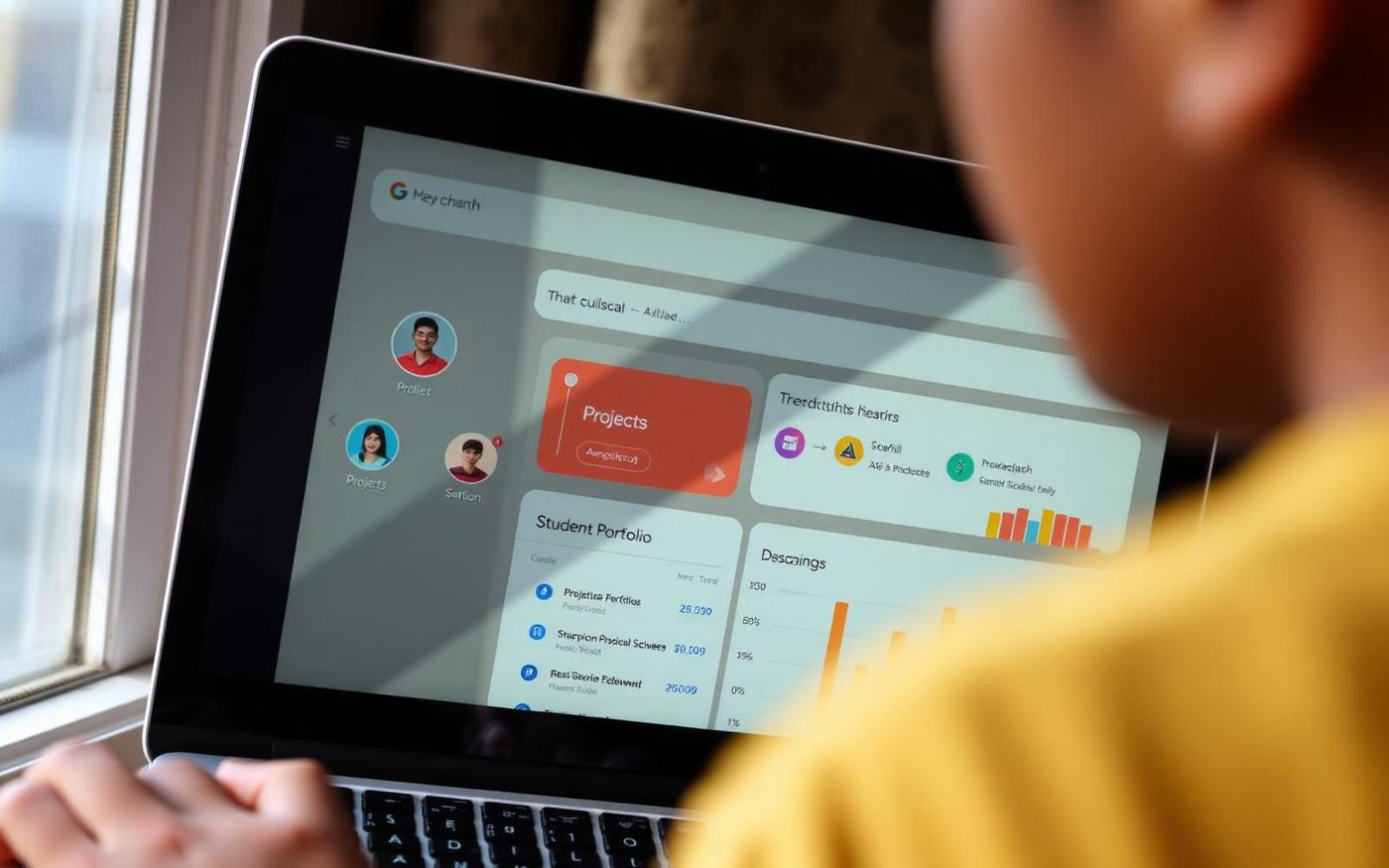
A folder full of AI-generated images can look impressive and still reveal almost nothing about the student's capability. A portfolio becomes useful when it makes the student's thinking visible.
1. The problem
What was the student trying to solve, for whom, and why was AI relevant? A clear problem statement prevents the project from becoming a technology demo with no purpose.
2. The process
Include early prompts, data choices, workflow diagrams, prototype versions or decision notes. The portfolio should show how the work changed.
3. Testing and failure
Record where the system gave bad answers or behaved inconsistently. Explain what was changed after testing. Failure evidence is often more educational than a polished final screenshot.
4. Responsible-use notes
Students should identify privacy, bias, attribution and accuracy concerns relevant to the project. This aligns with broader child-centred AI guidance emphasising safety, privacy and transparency.
5. A reflection in the student's own words
Ask what the student would do differently, what they learned that surprised them and which part required the most judgment. That reflection helps distinguish learning from output production.
One project, documented well, can be enough to start
Schools sometimes delay portfolio work because they imagine every student needs a sophisticated website. Start with a structured project page. Give it a problem statement, three process screenshots or artefacts, one failure case, the final output and a 150-word reflection. The evidence matters more than the platform.
For team projects, add a contribution statement. A student should explain which decisions they owned and what another teammate did. This protects the portfolio from implying that every member built every part and gives students practice describing collaboration accurately.
A reviewer should be able to ask follow-up questions
- Why did you choose this problem?
- What information or data did the system use?
- Which output surprised you?
- Where did the AI fail?
- What did you change after testing?
- What would you not trust this system to do?
If the student can answer those questions in their own words, the portfolio is doing its job. It is showing understanding, not simply proving access to a fashionable tool.
Avoid portfolio theatre
A portfolio can become performative if students spend more time making pages look impressive than improving the work. Limit design requirements and grade the evidence, explanation and reflection rather than visual polish. Templates can help students focus on the intellectual work instead of competing over graphic design.
For OnliGrow, this is a product-design principle too: the platform should make it easy to attach process evidence and explain contribution, not reward students merely for filling more profile fields.
Sources and further reading
Want to test this in your school?
OnliGrow is being built to turn these ideas into a structured school program. A useful pilot starts with your context, not a standard promise.
Discuss a pilot